 Nightlyapp
: Nightly Wallet Use Cases
Updated
Nightly Wallet is a multichain crypto wallet with mobile apps and browser extensions. Match the setup to your task: organizing accounts, connecting to a decentralized application (dApp), exchanging tokens, or managing NFTs. The device provides access; your selected account and network identify the assets you're working with, while your recovery method governs future access.
Tasks and responsibility boundaries
| Task | Required context | Nightly's role | Your check and stopping point |
|---|---|---|---|
| Organize separate portfolios | A new or imported wallet and the network you intend to use. | Manage multiple accounts and switch between them in one interface. | Confirm the selected account and network. Account selection is a useful endpoint when you're only organizing access; more accounts also mean more selections to keep track of. |
| Connect to a dApp | A compatible browser extension or the mobile in-app browser, plus the application's supported network. | Provide wallet access to the application and handle its wallet requests. | For a new connection, request it in the dApp, grant connection permission in Nightly, and confirm the dApp recognizes the intended account before approving an asset-changing request. A connected account establishes access, not completion of a trade or transfer. |
| Exchange tokens | The selected account, a supported swap pair, and funds for network transaction fees. | Bring quotes from multiple decentralized exchanges into the wallet. | Review the exchange quote and network fee before authorization. Slippage means the execution price can differ from the quote; stop before approval if the cost or requested exchange is unclear. |
| View or transfer NFTs | The account and network holding the collection; a recipient for a transfer. | Display collections and provide NFT management and transfer tools. | A transfer requires a separate check of the selected NFT and recipient before approval. |
| Access staking | An asset and staking option offered for the selected network. | Provide access to staking within the wallet. | Read the option's reward and withdrawal terms before authorizing a stake. The wallet interface alone doesn't establish a rate or lockup period. |
Device choice and dApp access
Nightly's mobile apps run on iOS and Android. Its browser extensions include Chrome, Firefox, Edge, Brave, Opera, and Safari. A browser extension fits a dApp session in that browser; the mobile app also has an in-app browser for opening dApps. The application still needs to support the wallet connection and network you're using. For example, Solana and Ethereum are supported networks, but an application's Solana connection and its Ethereum connection have different blockchain contexts.
Mobile deep links join a destination site to a blockchain context. The
network
parameter selects the network section, the optional
cluster
parameter identifies an environment such as
mainnet
,
testnet
, or
devnet
for that network, and
url
identifies the site to open. Keep the application's network and environment requirements aligned. Opening that browser context, connecting the wallet, and authorizing an operation are distinct actions.
Account access and recovery choices
Nightly offers creating a wallet and importing an existing one as separate starting points. For an existing phrase-based wallet on another device, Nightly's FAQ describes importing with its secret phrase or private key. Creating a new wallet starts a different account, so the choice depends on whether you want a separate wallet or access to the wallet you already use. Nightly also lists Ledger hardware-wallet support; compatibility must fit the network and hardware connection you intend to use.
Social login supports onboarding without seed-phrase setup. Cedra's Nightly onboarding guide explains the recovery trade-off: phrase-based setup puts the recovery phrase in your care, while social-login recovery depends on the service. Keep the phrase for a phrase-based wallet private and securely backed up; anyone who has it can access its funds. Don't infer the recovery method of an imported account from the sign-in method used elsewhere in the app.
Setup decision checklist
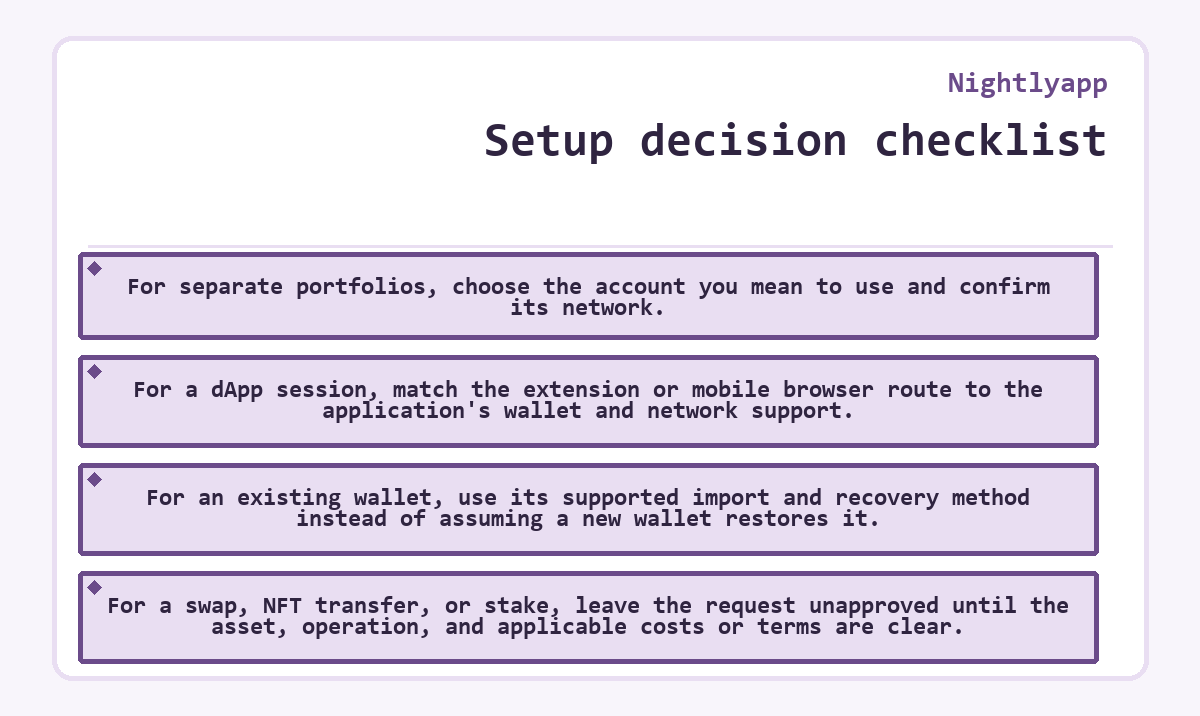
- For separate portfolios, choose the account you mean to use and confirm its network.
- For a dApp session, match the extension or mobile browser route to the application's wallet and network support.
- For an existing wallet, use its supported import and recovery method instead of assuming a new wallet restores it.
- For a swap, NFT transfer, or stake, leave the request unapproved until the asset, operation, and applicable costs or terms are clear.
Nightlyapp FAQ
Why can a Nightly mobile link remain in Safari?
On iOS, tapping a Nightly universal link while already browsing Nightly's own website in Safari may keep you in Safari. Nightly documents opening the link from another app, such as Messages or Mail, using an available custom-scheme fallback, or tapping Safari's native OPEN button when it appears.